AppClear
A downloadable app for Windows
Choose what goes. Keep what matters.
Free to download and use.
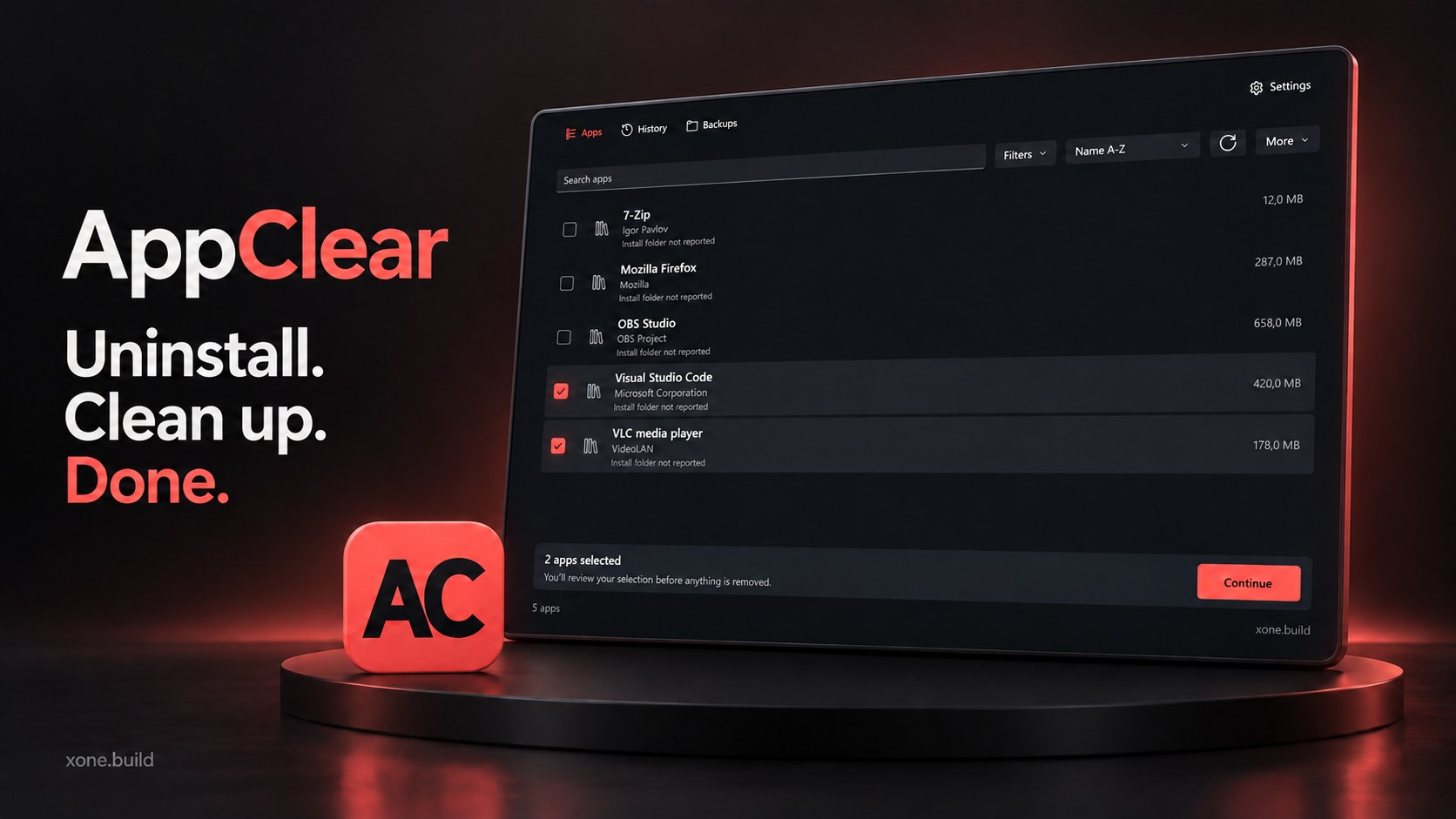
A simple, free uninstaller for Windows 11. Remove apps, choose which leftovers to keep, and back up supported files and registry entries before cleanup.
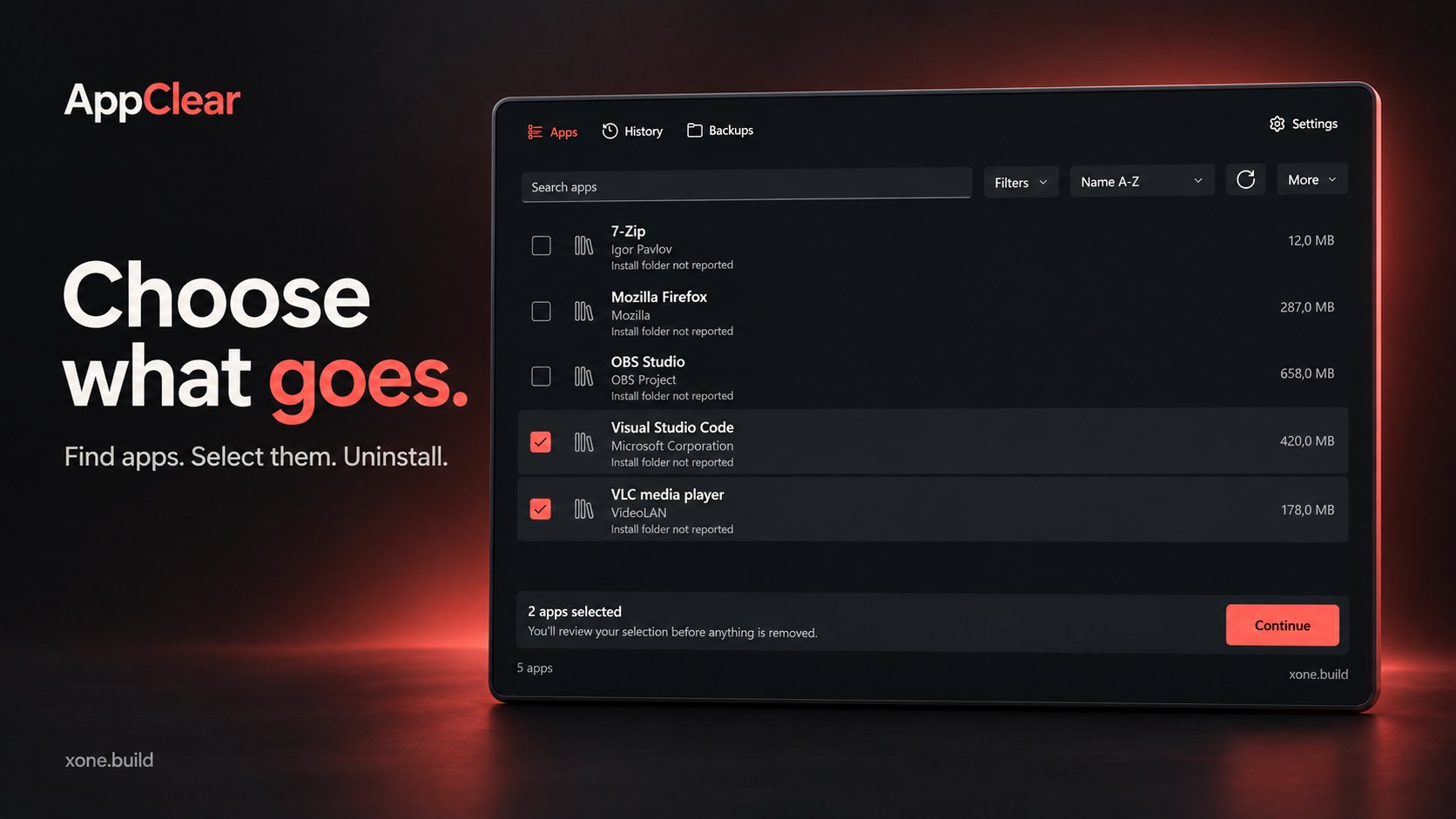
Choose what goes
Find your apps in one place. Search the list, see installation folders and open them in Explorer. Uninstall desktop apps and Microsoft Store apps.
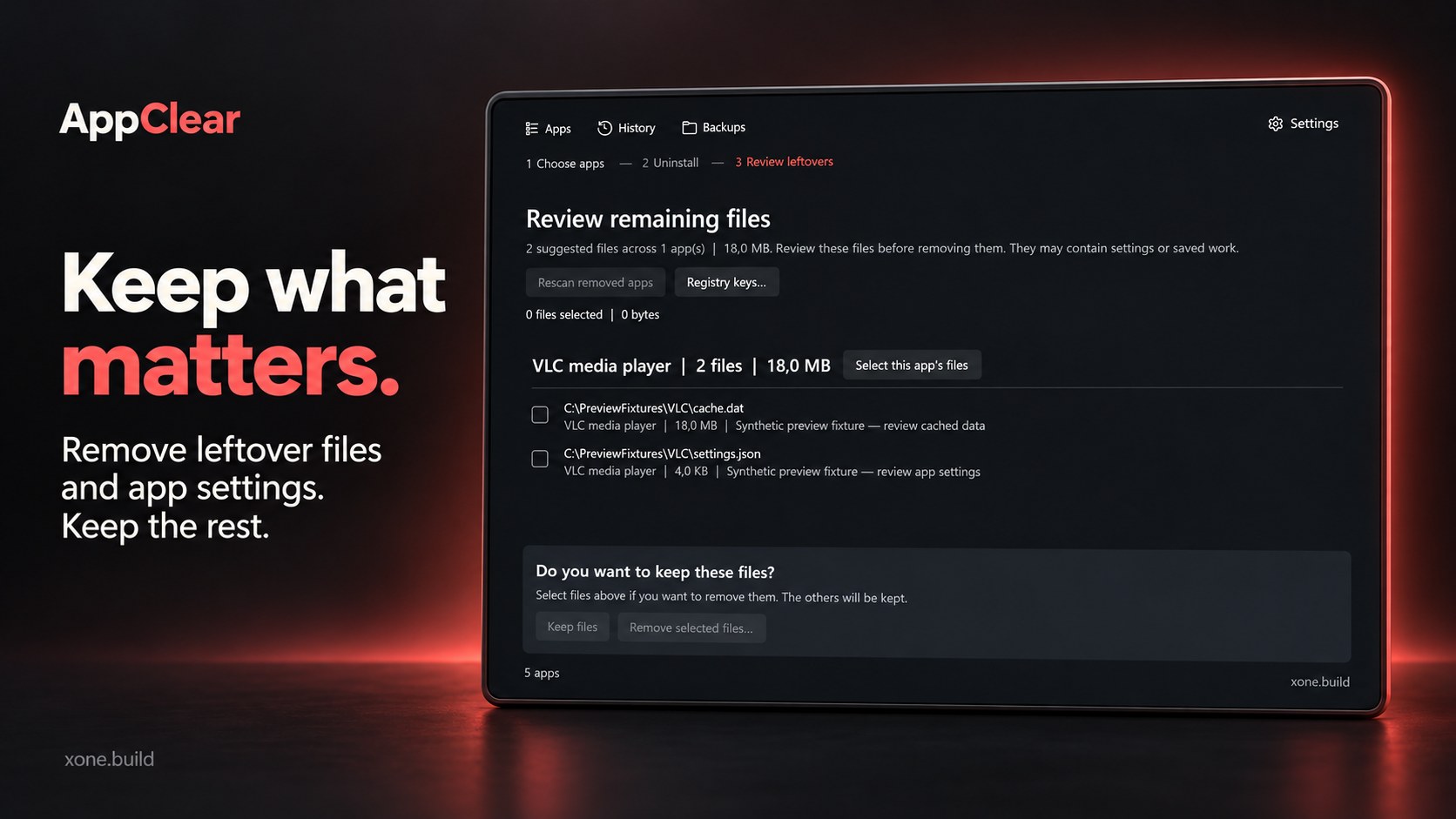
Keep what matters
See detected leftover files and app-specific registry entries after an uninstall. Choose what to remove and what to keep.
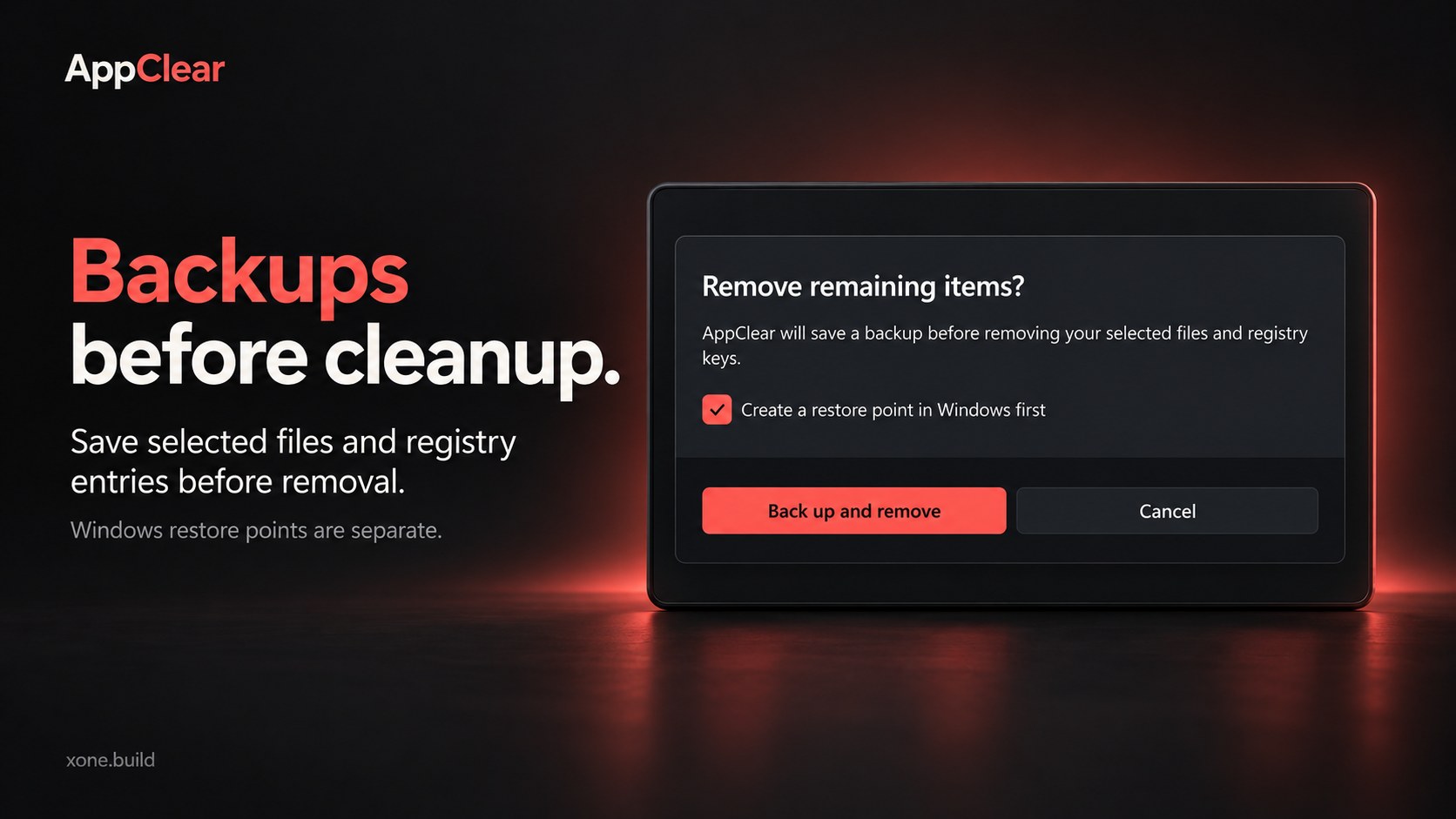
Backups before cleanup
AppClear saves and verifies backups of supported selected files and registry entries before removing them. Restore saved items from Backups when you need them. Windows restore points and recovery are managed separately through Windows controls.
When an uninstaller is missing
AppClear can check an app’s dedicated folder for a suitable uninstaller. Eligible apps also have a separate removal option with confirmation and verified backups.
For Windows 11.
Download
Install instructions
Windows 11, 64-bit.
Setup installer: Download the AppClear setup EXE, run it and follow the installation steps.
Portable ZIP: Extract the complete AppClear folder, then run AppClear.Desktop.exe. Keep all included files and folders together.