Spectramp
A downloadable app for Windows and Linux
Music in full spectrum.
Free to download and use.
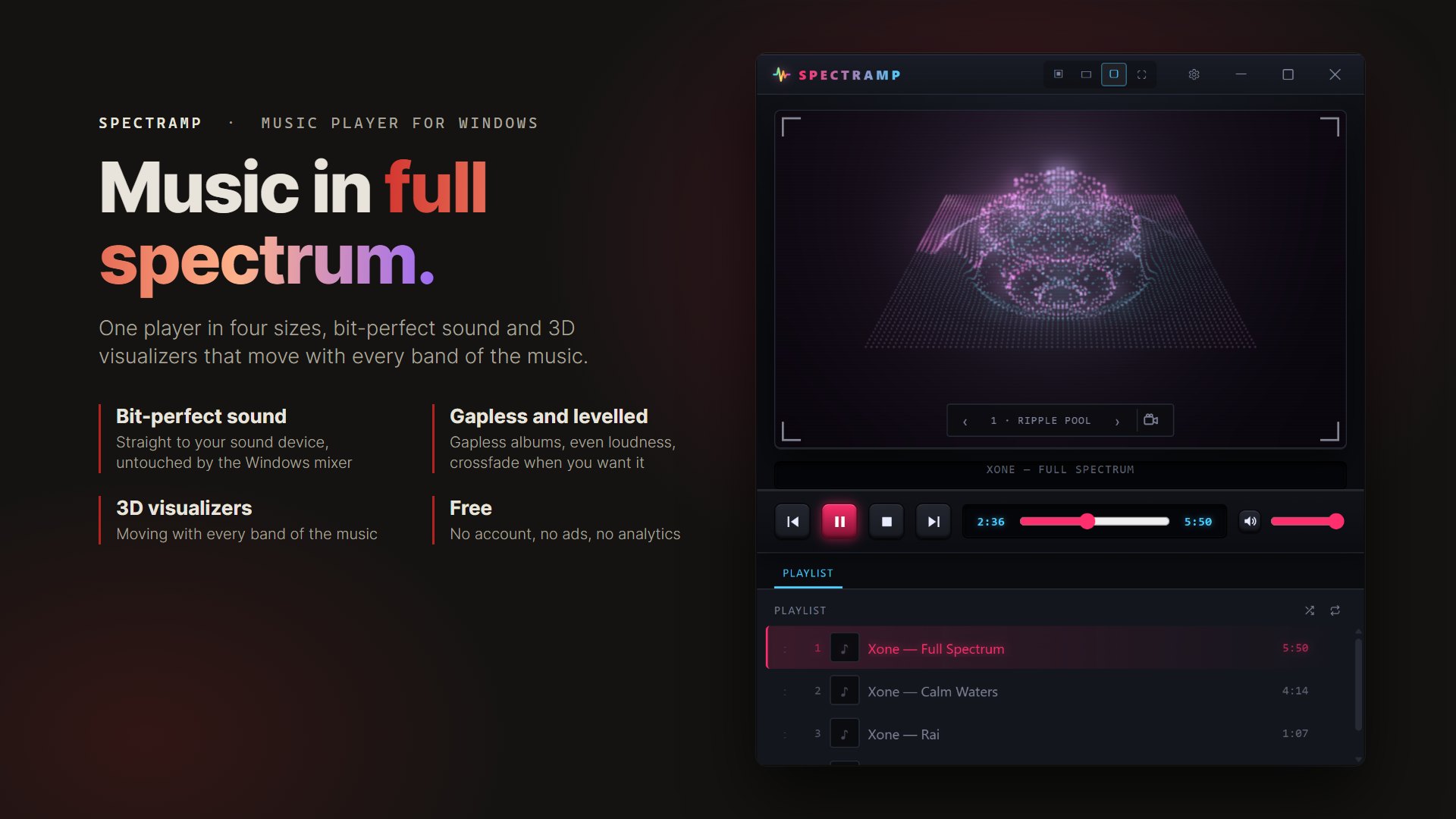
A free music player for Windows and Linux with four window sizes, bit-perfect sound, an equalizer tuned to your headphones, and 3D visualizers that move with the music.
One player, four sizes
Mini fits in a corner of the screen. Slim adds the track’s waveform. Standard shows the visualizer and the playlist. Full screen leaves just the picture. Spectramp reopens the way you left it.
Hear every bit
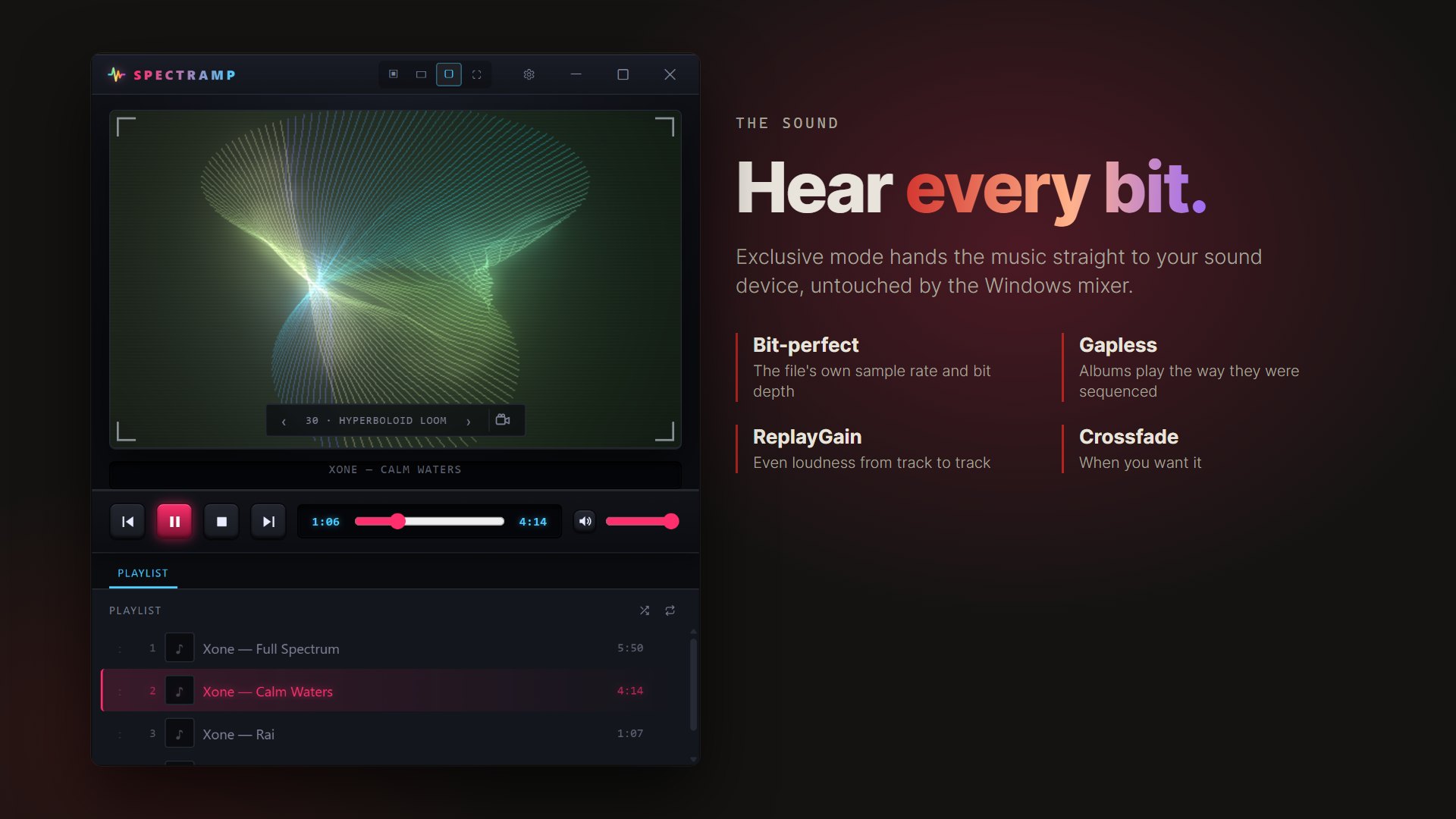
On Windows, exclusive mode sends the music straight to your sound device, bypassing the Windows mixer, at the file’s own sample rate and bit depth. Gapless playback, ReplayGain volume levelling and optional crossfade.
3D visualizers
Strings that shiver, water that ripples, columns that rise. Each part follows its own band of the music, and every beat travels through the picture. Leave the camera still, let it move, or drag to look around.
Tuned to your headphones
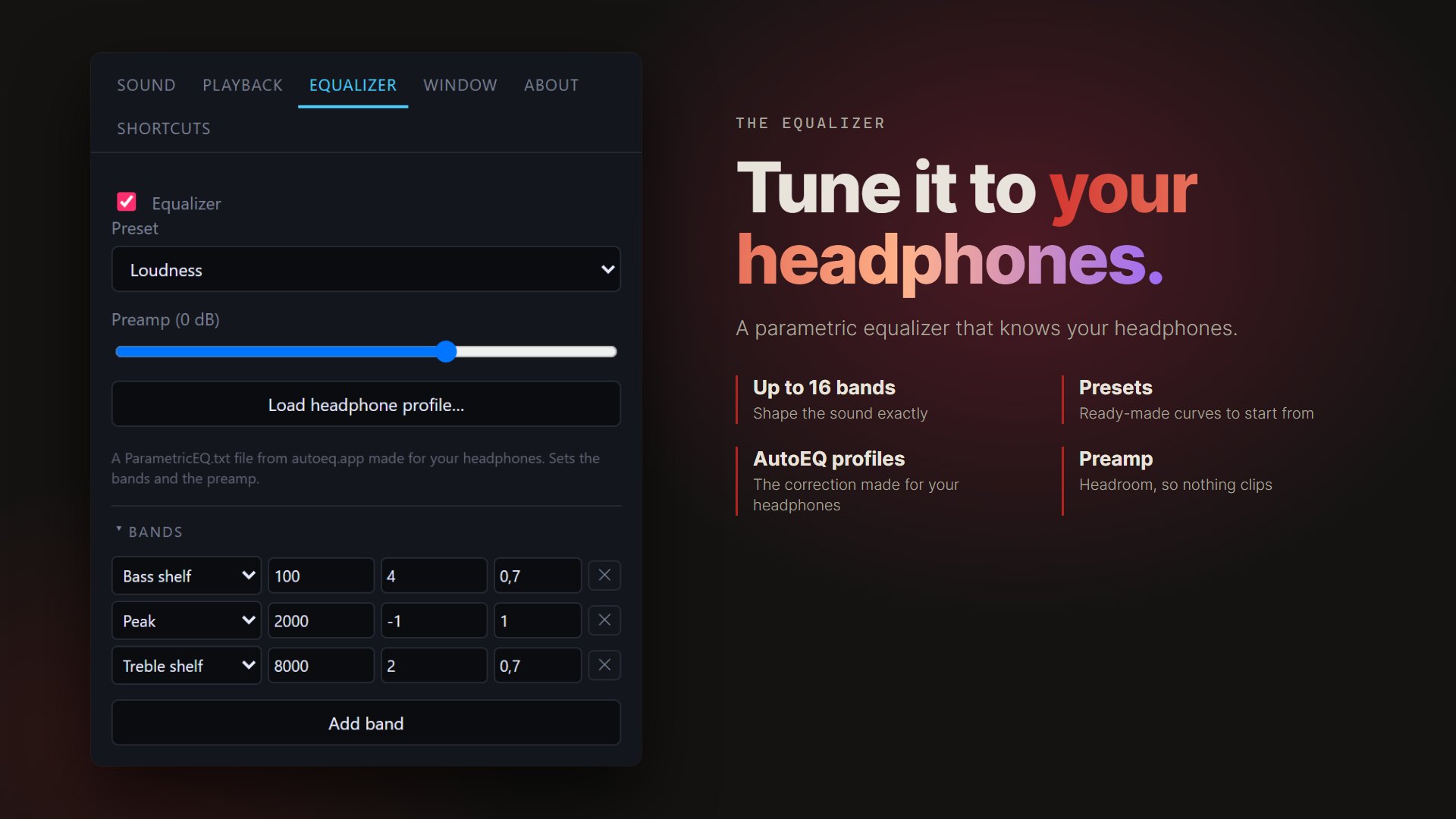
A parametric equalizer with up to 16 bands and presets. Load the AutoEQ profile for your headphones in a few clicks.
Plays it all
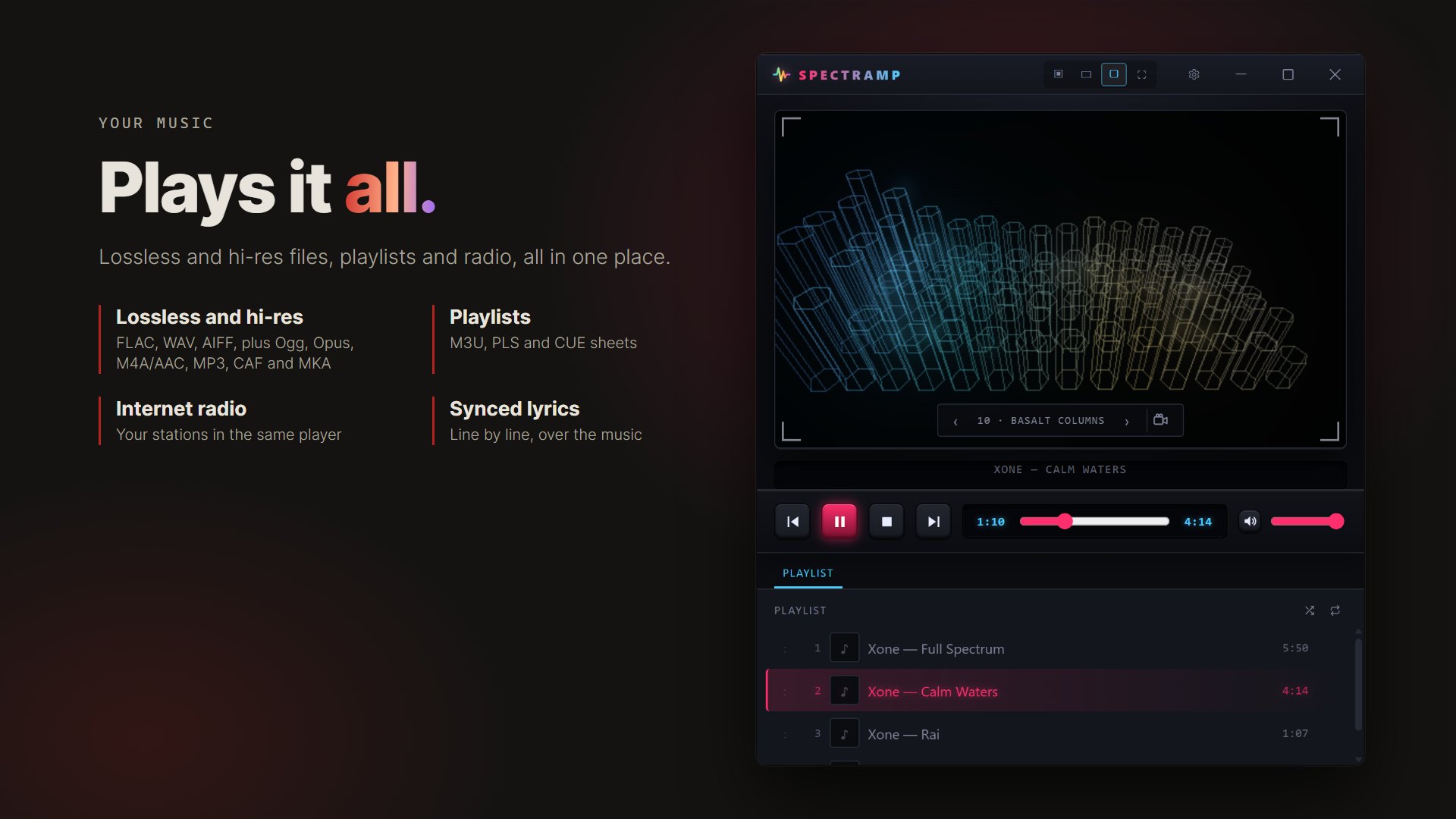
FLAC, WAV, AIFF, Ogg, Opus, M4A/AAC, MP3, CAF and MKA. Playlists, CUE sheets and internet radio.
Covers and lyrics
Album covers from your files and folders, and synced lyrics on screen. Spectramp can also find missing ones online, if you switch it on.
Download
Windows 10 and 11: download the 64-bit setup installer below, or install from the Microsoft Store.
Linux downloads below: .deb for Ubuntu, Debian and Mint, or AppImage. Both are x86-64 builds. Tested on Linux Mint; built on Ubuntu 22.04.
Download
Install instructions
Windows Setup: download spectramp_1.0.0_x64-setup.exe and run it to install Spectramp on Windows 10 or 11. Alternatively, use the Microsoft Store link on this page.
Windows Portable: extract Spectramp_1.0.0_portable_x64.zip into a folder and run Spectramp from the extracted folder. Keep the included files together.
Linux .deb: run sudo apt install ./Spectramp_1.0.0_amd64.deb in the download folder.
Linux AppImage: run chmod +x Spectramp_1.0.0_amd64.AppImage, then open it. All downloads are for x86-64 computers.
Also available on