XtracThis
A downloadable app for Windows
Unpack. Dodge the hassle.
Free to download and use.
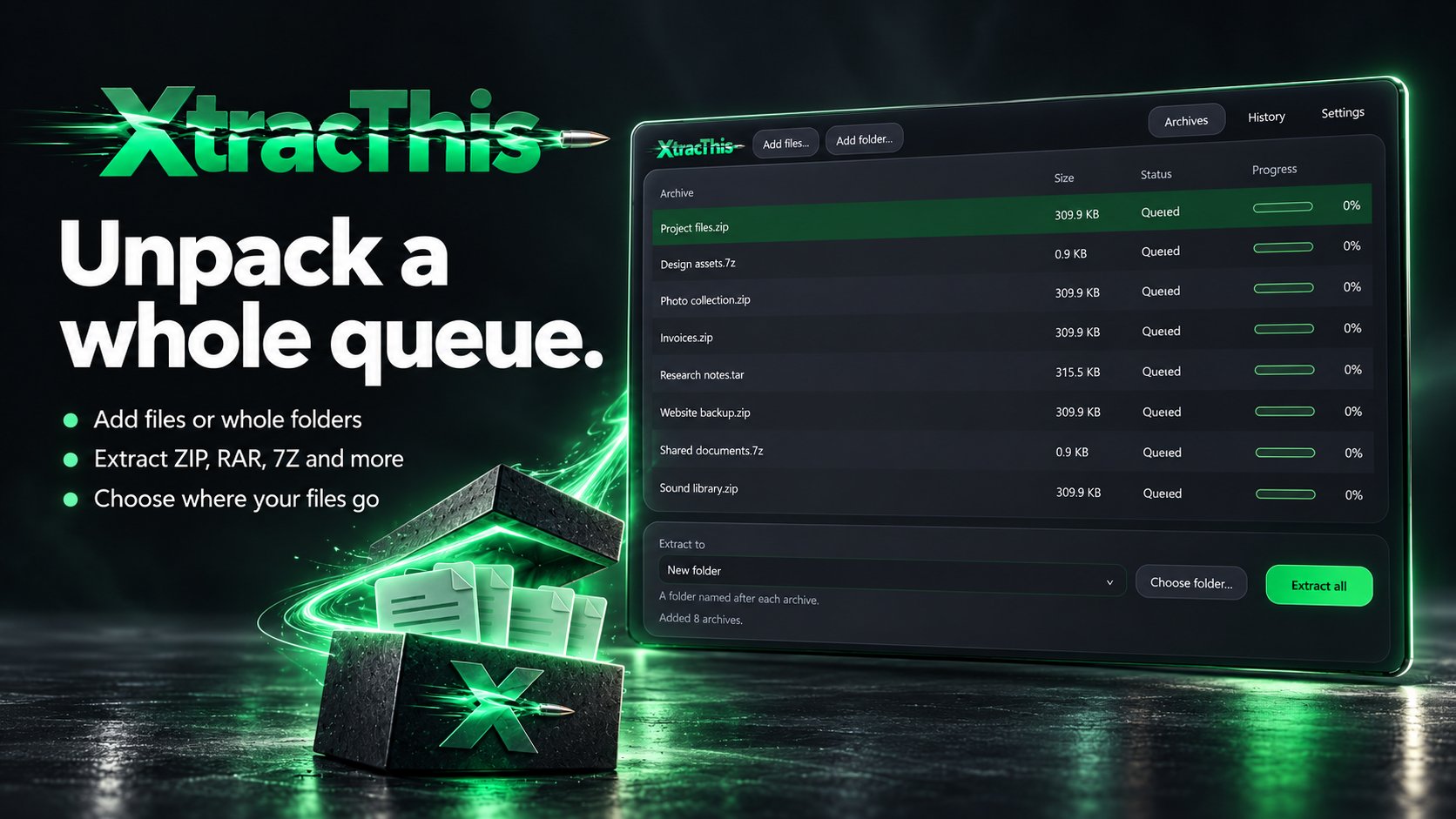
Extract one archive or a whole queue. XtracThis brings your archives, destination choices and progress together in one simple window.
Unpack in batches
Add files, drag in archives or scan a folder. Extract common formats, supported split archives and password-protected files.
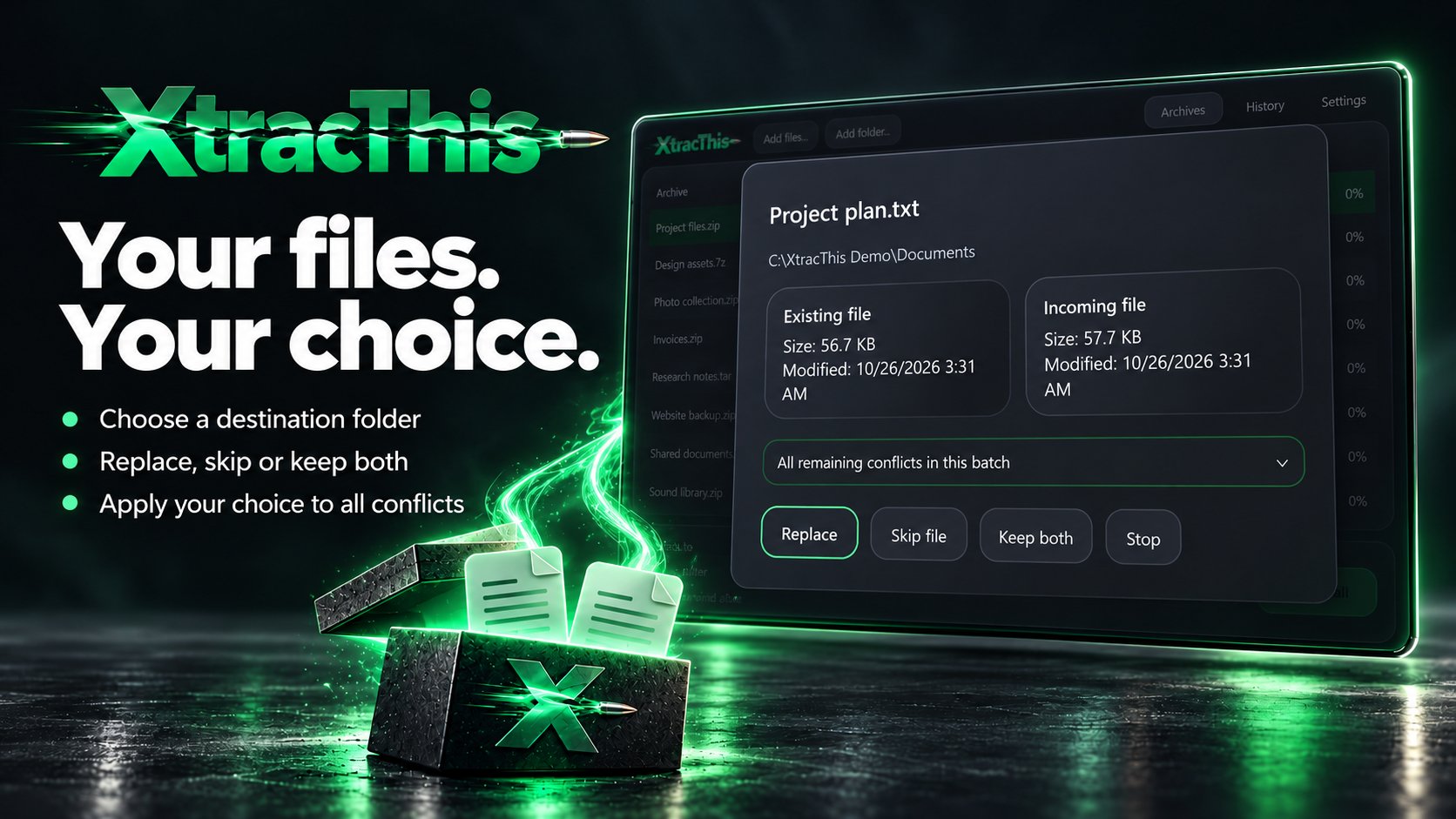
Choose where files go
Save beside each archive, create a folder for each one, or choose a shared destination. When files already exist, replace, skip or keep both. Apply your choice to one file or all remaining conflicts.
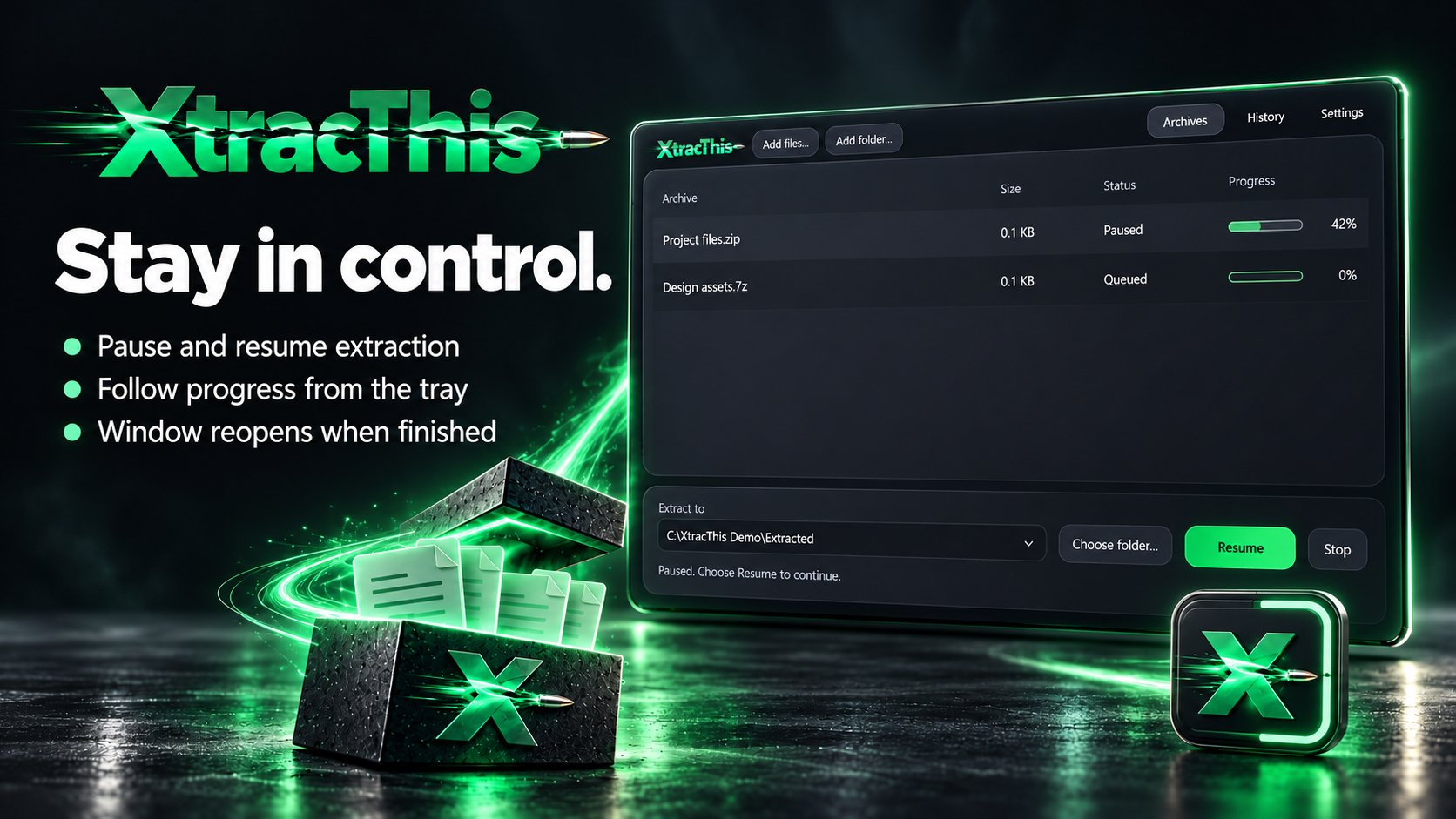
Stay in control
Pause, resume or stop extraction. Turn on tray mode to keep working in the background, with animated progress and a window that reopens when the batch finishes.
Look inside first
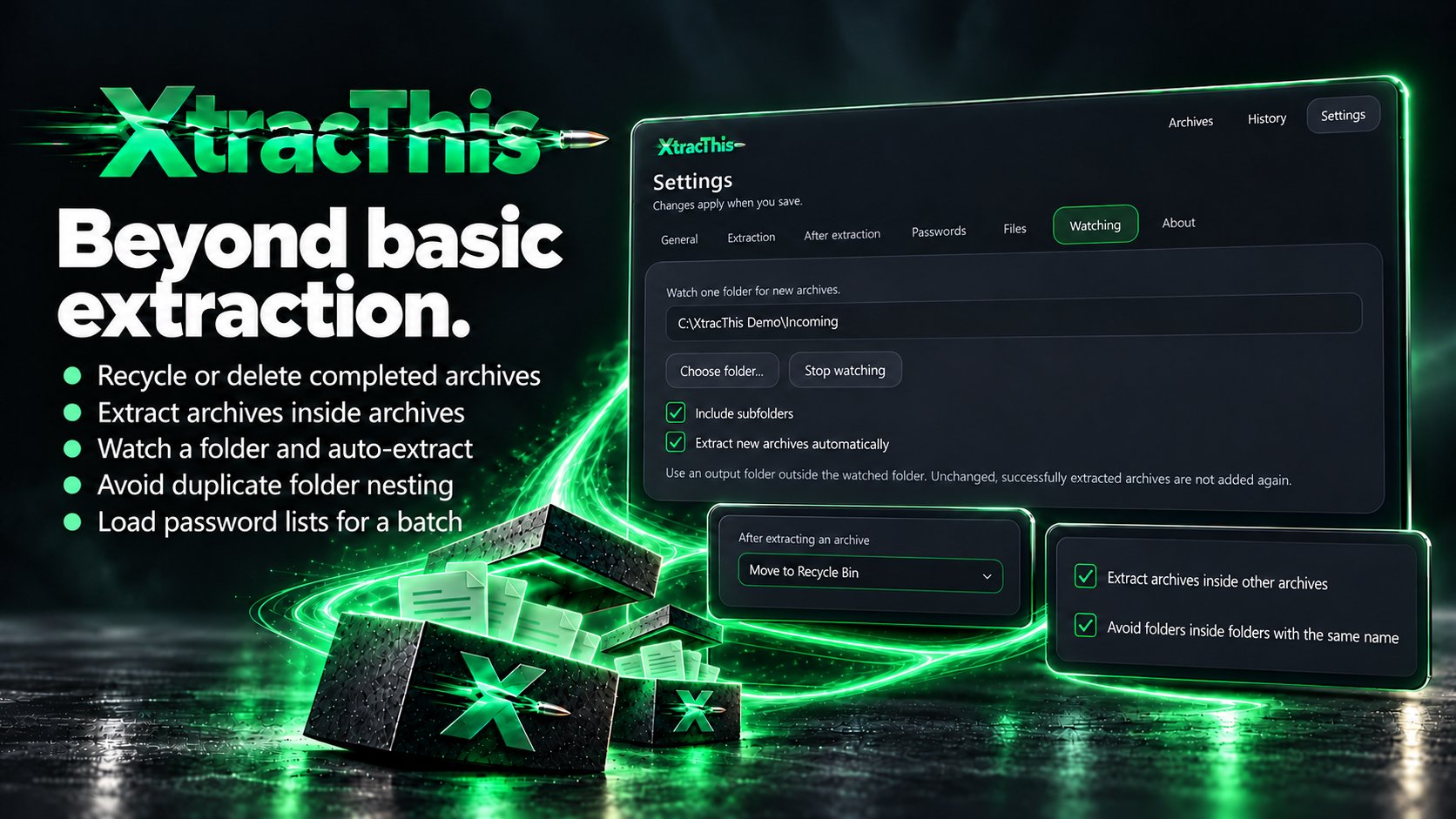
Browse archive contents and extract only the files you need. Test an archive's integrity or verify a file's checksum.
Supported file types
Archives: .7z, .zip, .zipx, .rar, .001, .tar, .cab, .ar, .arj, .lzh, .lha, .cpio, .xar. Many more compressed files, TAR variants, disk images, packages and containers are supported; the full list is on the website. Compatibility depends on the file format and compression method. Split archives require all parts.
For Windows 11. Also available on the Microsoft Store.
Download
Click download now to get access to the following files:
Also available on