ScreenLatch
A downloadable app for Windows
Your displays. Ready to switch.
Free to download and use.
A free display-profile manager for Windows 10 and 11. Save a screen setup for work, gaming or home. Switch back from ScreenLatch, the system tray or a keyboard shortcut you record.
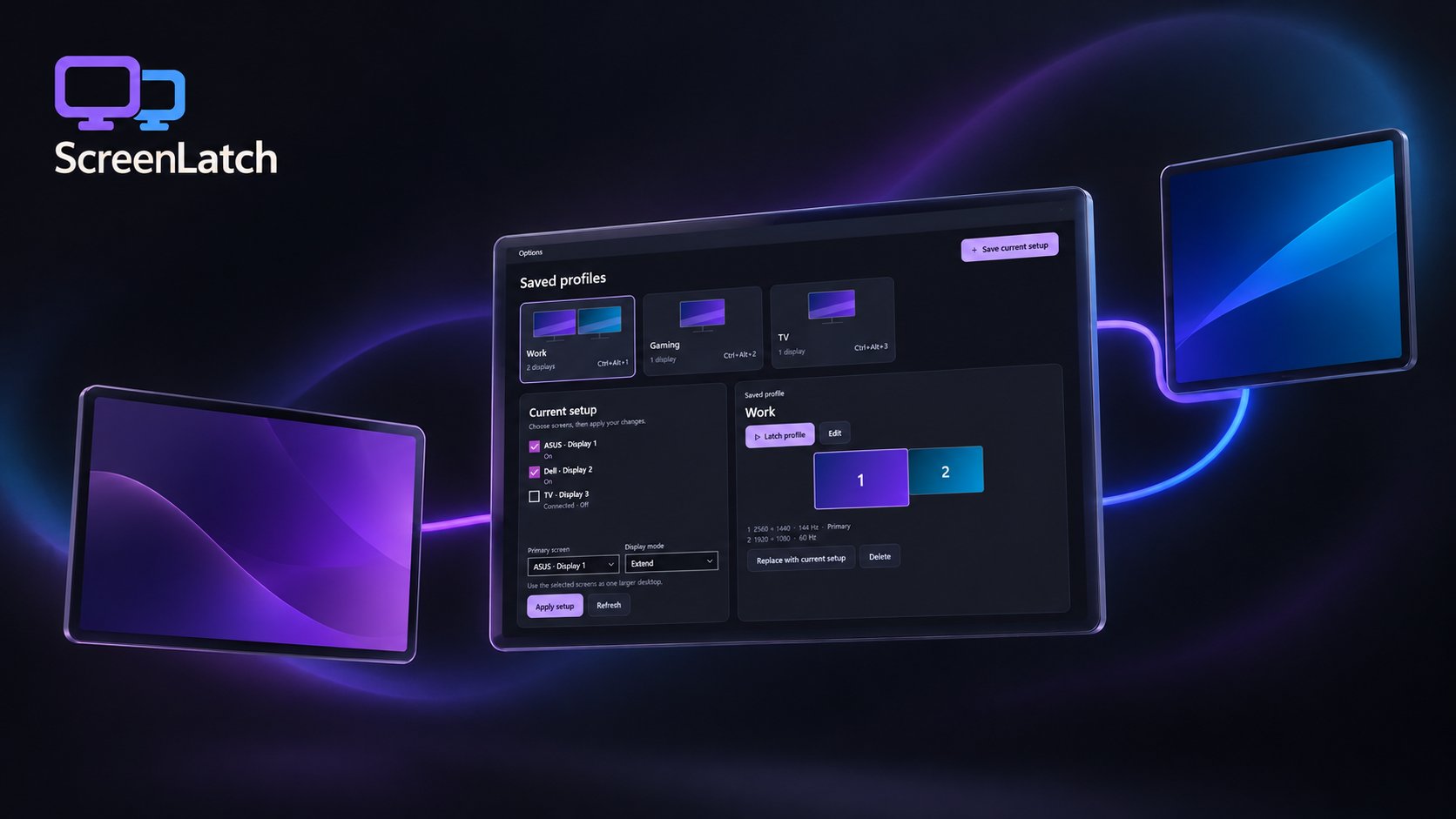
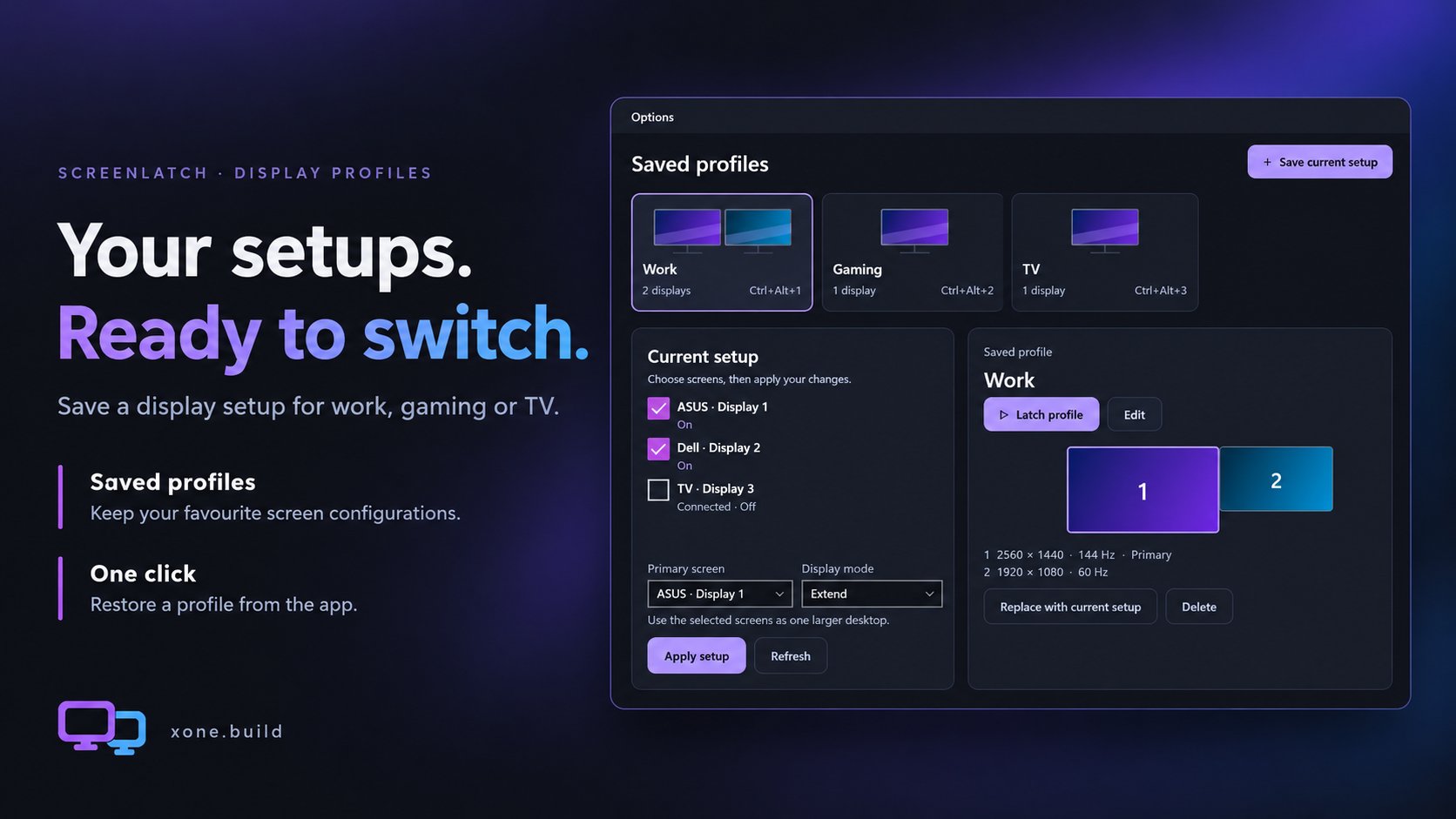
Keep your setups
Save the display arrangements you use every day. Give each profile a name and switch back whenever you need it.
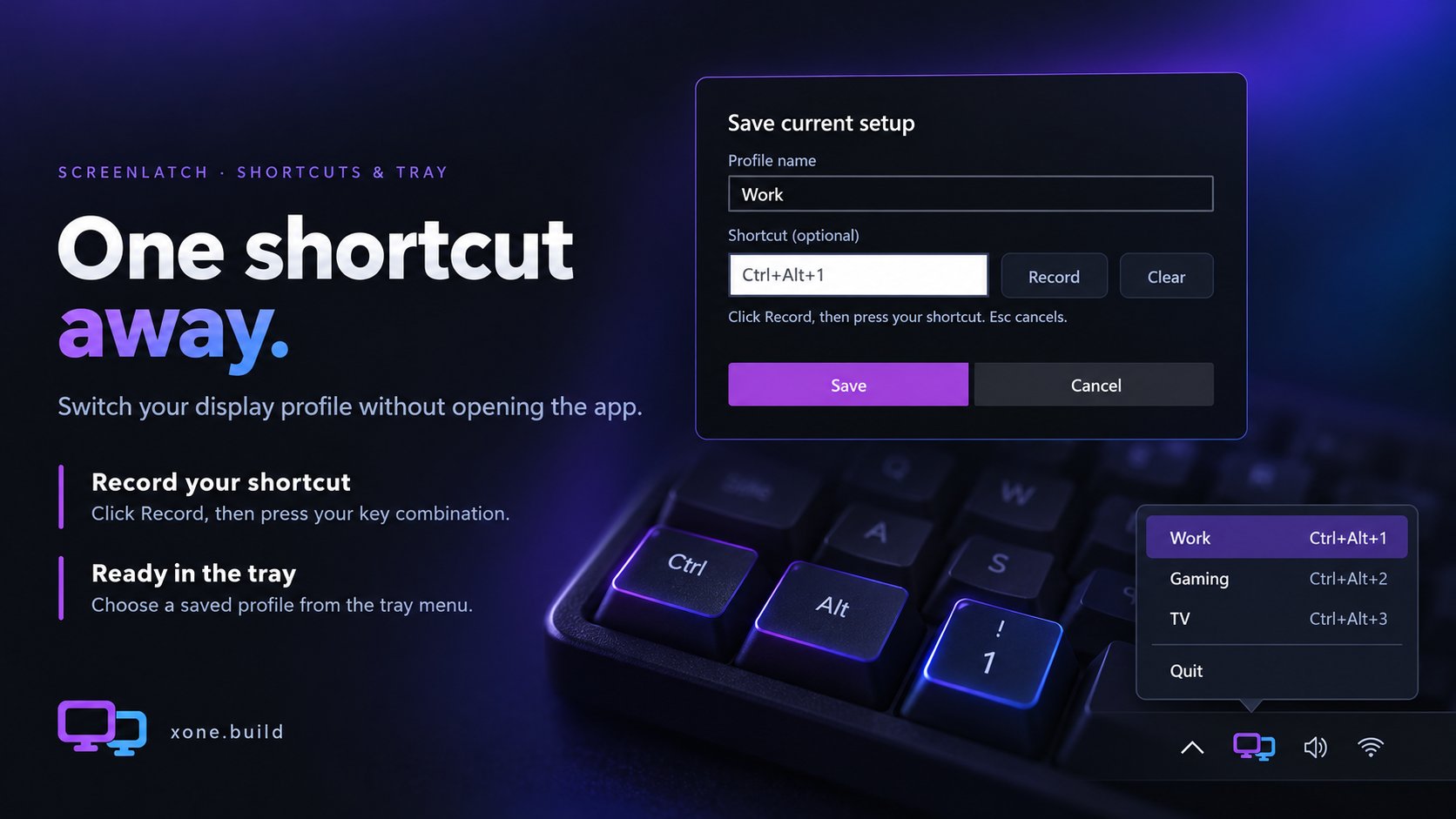
Switch in a keystroke
Record a shortcut for each profile, then switch without opening the main window. Your saved profiles are also available from the tray menu.
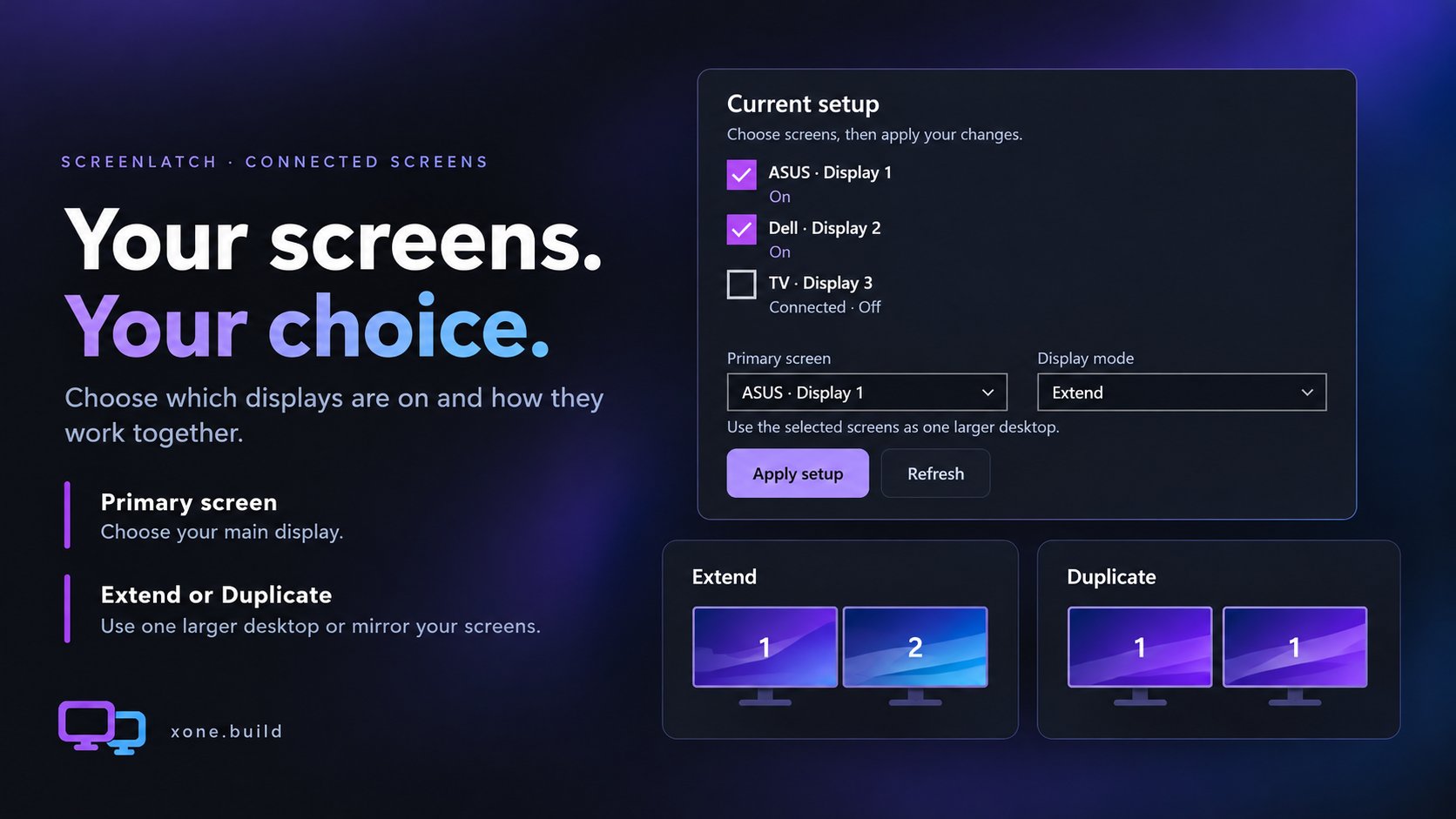
Choose which screens are on
See connected displays, choose which ones to use and set a primary display. With multiple screens selected, choose Extend or Duplicate.
Out of the way
ScreenLatch can stay in the system tray, ready when you need it. Choose how it behaves when you close the window and whether it starts with Windows in Options.
For Windows 10 and 11.
Download
Install instructions
ScreenLatch 1.0.3 · Windows 10 version 2004 or newer, or Windows 11 · 64-bit.
Setup installer: Download ScreenLatch-1.0.3-Setup.exe, run it and follow the installation steps.
Portable ZIP: Extract the complete ScreenLatch folder, then run ScreenLatch.exe. Keep all included files and folders together, including portable.flag. Preserve the Data folder when replacing an older portable copy to keep your saved profiles and preferences.
Also available on

Leave a comment
Log in with itch.io to leave a comment.